


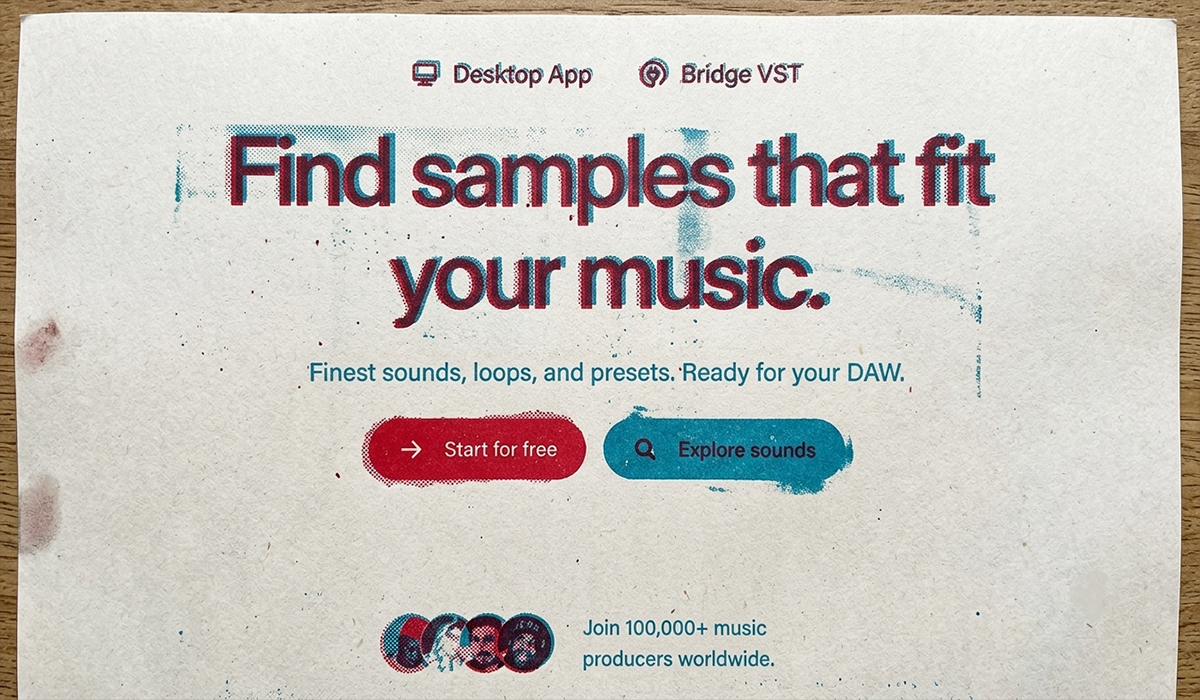

If you’ve visited Slooply over the past few days, you’ve probably noticed that things look a little different.
This isn’t just another visual refresh. Over the last few months, we’ve rebuilt almost every part of the platform – from the interface and search experience to the way you browse and work with our sound library.
Our goal wasn’t to create a “prettier website.” We wanted to build a platform that helps you spend less time searching for sounds and more time making music.
Today, we’re excited to finally share the result.
A Fresh Identity
Let’s start with the most obvious changes.
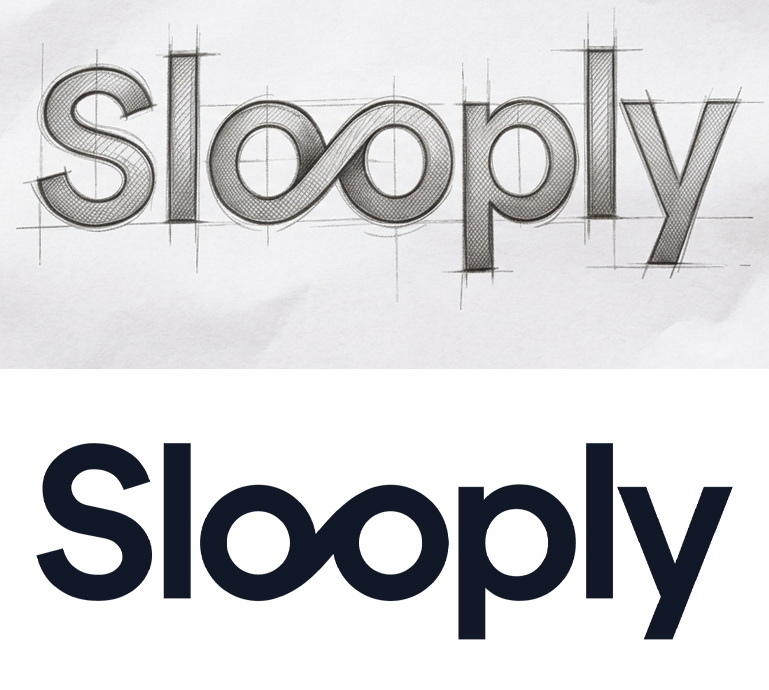
We’ve completely redesigned the Slooply interface and simplified our logo to better match modern design standards. The new branding is cleaner, easier to recognize, and works consistently across the website, our Desktop App, and future products.
At the same time, we wanted to make sure the design never gets in the way of what matters most – your sounds.
That’s why we removed unnecessary visual clutter and reorganized the interface from the ground up. The focus is now on the content itself, not the website around it.
Homepage and Explore Now Have Different Roles
One of the biggest structural changes is the separation of the Homepage and the Explore section.
The Homepage is now the front door to Slooply. It’s designed for new visitors who want to learn what the platform is all about and what makes it different.
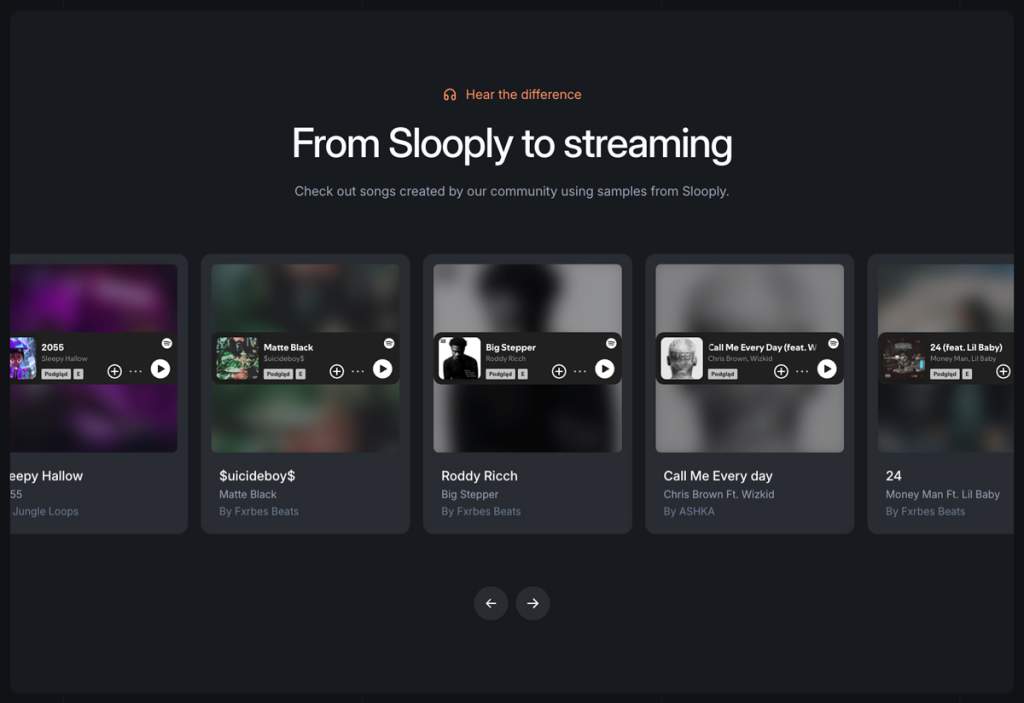
You’ll also find examples of placements featuring sounds from the Slooply library, including productions connected with artists such as Roddy Ricch, $uicideboy$, and Jay-Z.
The real work, however, now happens inside Explore.
This is where you’ll browse samples, sample packs, collections, and all of Slooply’s discovery tools.
If you’re logged in, Explore automatically becomes your home page – just like it did in the previous version of Slooply.
A Completely Redesigned Filter System
One of the biggest challenges with any large sound library is… its size.
The more content you have, the harder it becomes to find exactly what you’re looking for.
That’s why we completely redesigned the filtering experience.
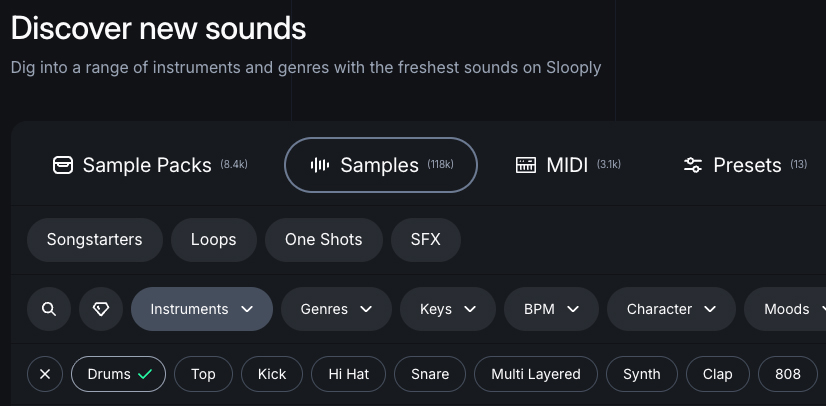
Instead of displaying every filter at once, we’ve split the search process into three simple steps.
First, you choose the type of content you want to browse:
- Sample Packs
- Samples
- MIDI
- Presets
Once you’ve made your selection, you’ll see filters that are specific to that category.
For example, when browsing Samples, you can narrow your search by:
- Song Starters
- Loops
- One-Shots
- Sound Effects
Finally, you’ll find all the familiar filters you already know, including Instruments, Genres, BPM, Key, Providers, Moods, and more.
This new structure makes browsing a large library much faster and far less overwhelming.
Character Filter
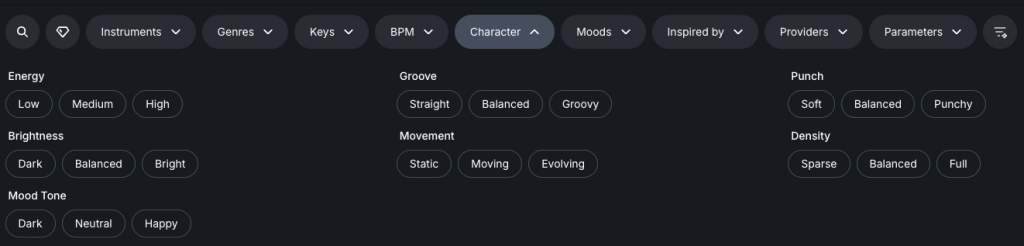
Character Filter is one of the features we’re most excited about.
Most sample libraries let you search by instrument or genre.
The problem is that two piano loops can belong to the same category while sounding completely different.
That’s where Character comes in.
Instead of describing what a sound is, Character describes how it sounds.
You can search using terms such as:
- Warm
- Bright
- Dark
- Soft
- Punchy
- Aggressive
- Distorted
It’s a completely different way of exploring a sound library.
You’re no longer just looking for a piano, guitar, or synth.
You’re searching for the exact sonic character you already have in your head.
AI Filters
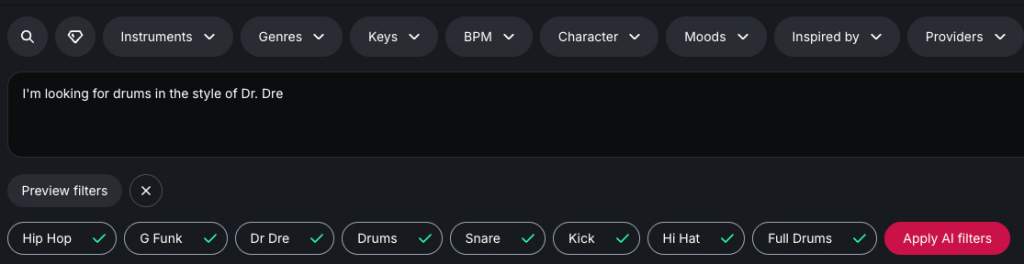
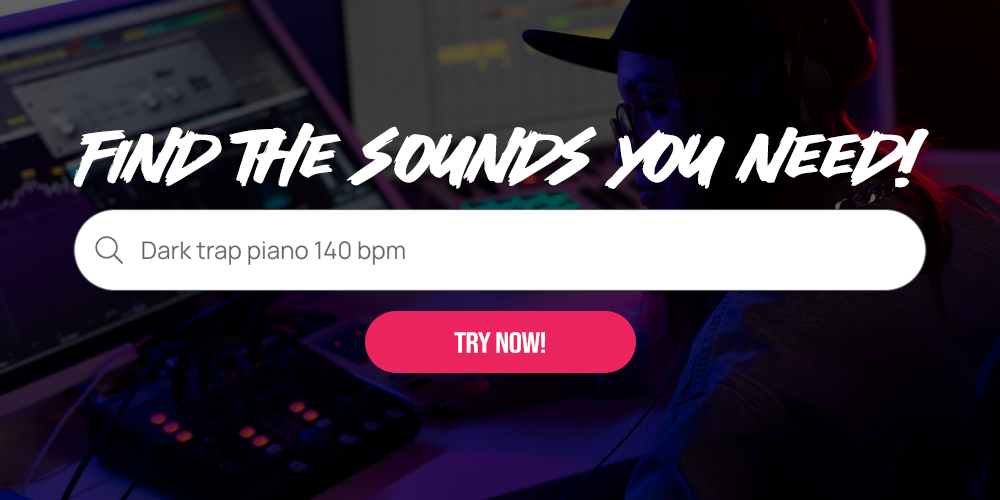
AI is everywhere these days. We wanted to use it where it genuinely improves a producer’s workflow – not to make music for you, but to help you find the right sounds faster.
One thing is worth making clear.
Every sample available on Slooply is still created by real producers. We don’t use AI to generate our library, and we don’t believe AI should replace human creativity.
Instead, we use AI to make searching easier.
Not everyone knows which filters to use or even what instrument or genre they’re looking for. Sometimes it’s much easier to simply describe the idea in your head.
For example:
“I’m looking for drums in the style of Dr. Dre.”
AI understands your intent and automatically selects the most relevant filters, such as Drums, West Coast, G-Funk, and Dr. Dre.
Instead of manually searching through dozens of categories, you can describe what you’re looking for in plain English and let AI handle the filtering.
For us, this is where AI provides the most value.
It doesn’t replace creativity.
It doesn’t make music for you.
It simply shortens the distance between an idea and the right sound, so you can spend more time producing and less time searching.
Loop & Auto Play
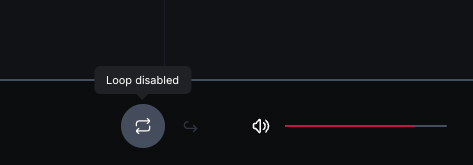
We’ve also improved the built-in audio player with two features that make browsing large collections of sounds much more enjoyable.
The first is Loop.
With a single click, you can continuously loop any sample, making it much easier to hear how it sits with your project or whether it inspires a new idea.
The second is Auto Play Next.
Instead of manually pressing play on every single sample, Slooply will automatically move to the next sound in your search results. It’s a simple addition, but one that makes a huge difference when you’re auditioning dozens—or even hundreds—of samples during a session.
Sometimes the smallest workflow improvements end up saving the most time.
Stack Composer
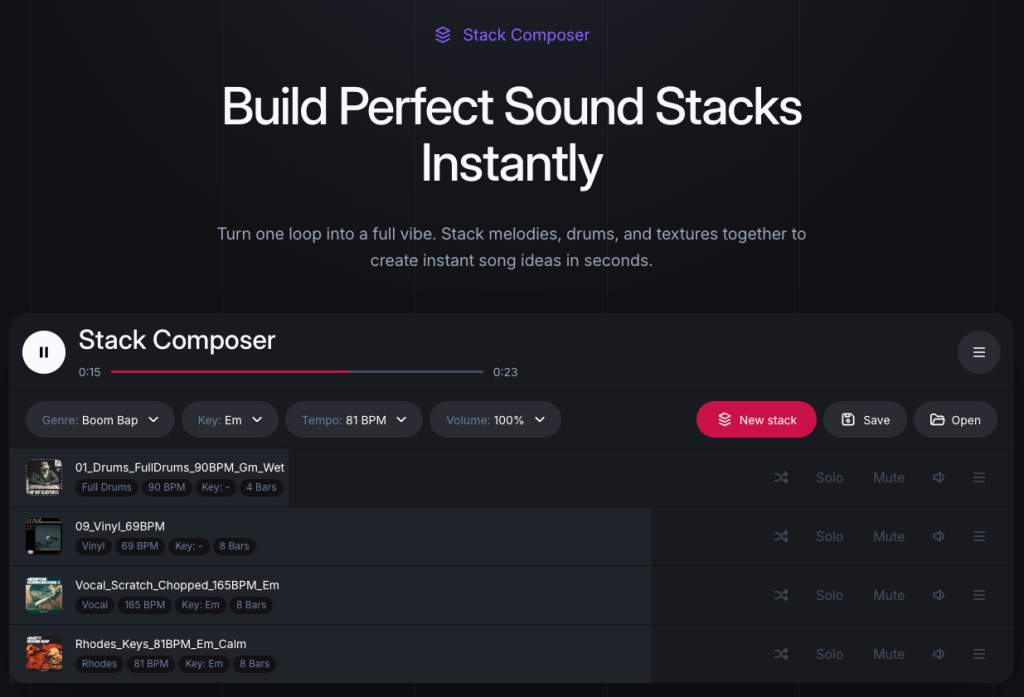
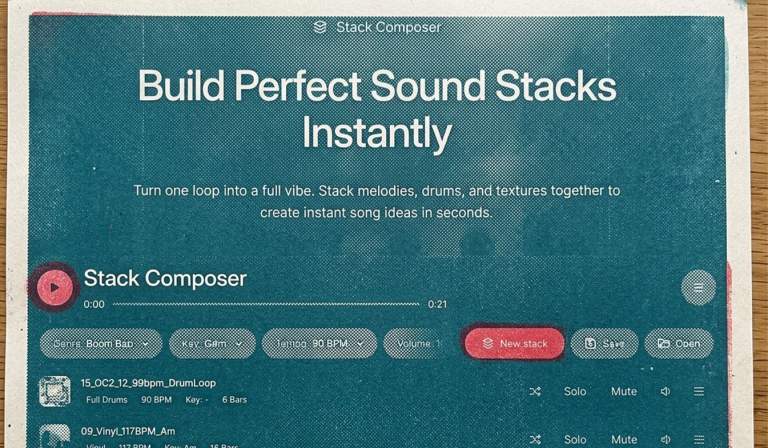
Stack Composer is the biggest feature introduced in this update. Finding a great melody is often just the beginning. The next questions usually come naturally.
What would it sound like with different drums?
Would another bassline work better?
What if the chords went in a completely different direction?
Stack Composer was built to answer those questions instantly. Simply choose the genre you want to work in, and Slooply will automatically build a fresh composition using compatible loops from across our library.
Think of it as a creative sketchpad rather than a beat generator.
Every layer can be replaced, muted, removed, or swapped with another compatible loop. You’re always in control of the final result.
The goal isn’t to finish your song for you.
The goal is to help you discover ideas faster and hear loops in context instead of in isolation.
When you’ve found a combination you like, you can download the entire stack—including every individual stem—and drag everything directly into your DAW to continue building your track.
Whether you’re stuck with writer’s block or simply looking for a new direction, Stack Composer is designed to help you get moving again.
AI SFX Generator
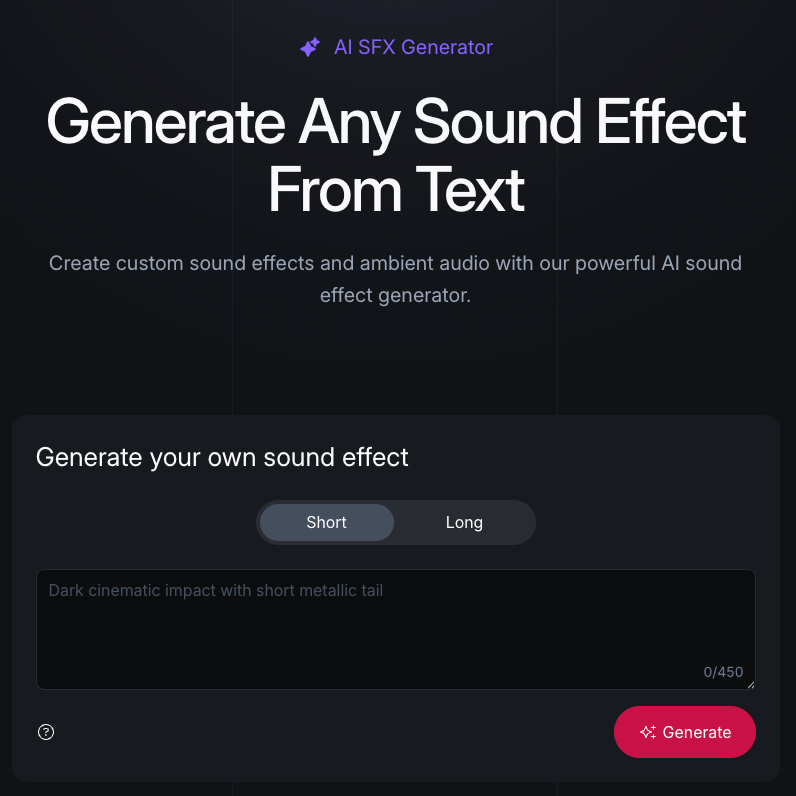
Not every project needs another piano loop or another hi-hat.
Sometimes you’re missing one very specific sound effect.
Maybe it’s a car engine starting.
A passenger jet taking off.
Rain hitting the roof of a tent.
The ambience of a jungle filled with birds and insects.
Or a massive cinematic explosion.
In theory, you could record some of these sounds yourself.
In reality, not everyone has the opportunity to capture a plane taking off, walk through the Amazon rainforest with a recorder, or record a realistic explosion.
More often than not, that means spending an hour searching through multiple sound effect libraries, hoping to find something close enough.
That’s exactly why we built the AI SFX Generator.
Simply describe the sound you need, choose the desired duration, and Slooply generates a ready-to-use sound effect in seconds.
Here are a few example prompts:
- Car start engine
- Frozen car startup
- Rain heard inside a tent
- Massive explosion
- Money notification
- Big cat, small meow
Instead of searching for hours, you can simply describe the sound in your own words and get back to creating.
It’s designed for all those moments when your imagination is far more specific than any search bar could ever be.
My Feed
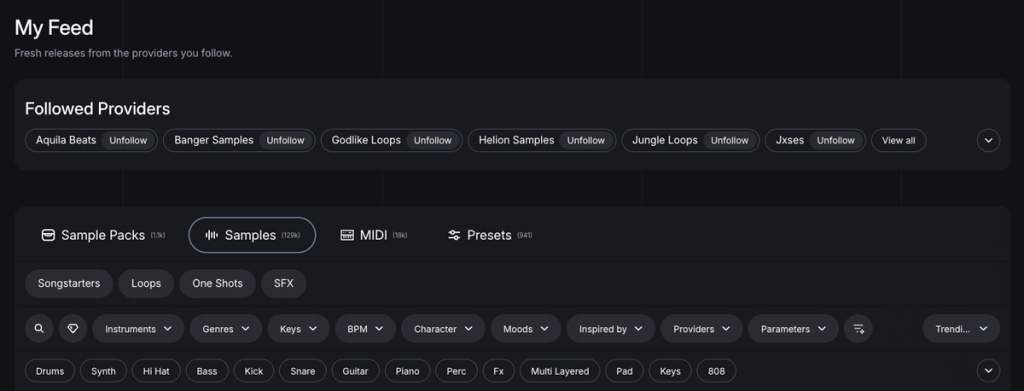
Every producer has their favorite creators.
Some regularly download sounds from the same providers. Others follow a handful of labels whose style perfectly matches their own.
That’s why we introduced My Feed.
You can now follow your favorite providers and build a personalized feed that shows only the latest samples and sample packs from the creators you care about most.
Instead of browsing the entire library every time new content is released, you can focus on the sounds that are most relevant to your workflow.
It’s a simpler, more personal way to discover new music-making tools from the producers you already trust.
Small Improvements That Make a Big Difference
Alongside the headline features, we’ve introduced dozens of smaller improvements throughout the platform.
One of the most requested additions is the ability to download an entire composition – including every individual stem-with a single click.
We’ve also added a built-in reporting system for sounds.
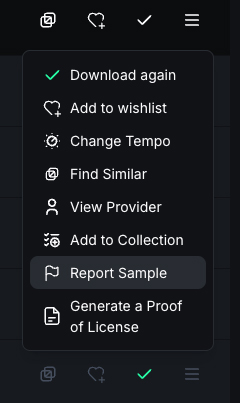
If you come across a sample that won’t play correctly, can’t be downloaded, or has another issue, you can report it directly from the product page.
The faster we hear about problems, the faster we can fix them, helping us keep the library as reliable as possible for everyone.
Many of these improvements aren’t flashy, but they’re the kind of changes that make everyday use of Slooply smoother and more enjoyable.
This Is Just the Beginning
Although the new version of Slooply is now live, our work is far from over.
We’ve rebuilt a significant part of the platform from the ground up, so you may occasionally run into small bugs or unexpected issues while we continue polishing everything behind the scenes.
If you notice something that doesn’t work as expected-or if you’d simply like to share your thoughts on the new experience-we’d genuinely love to hear from you.
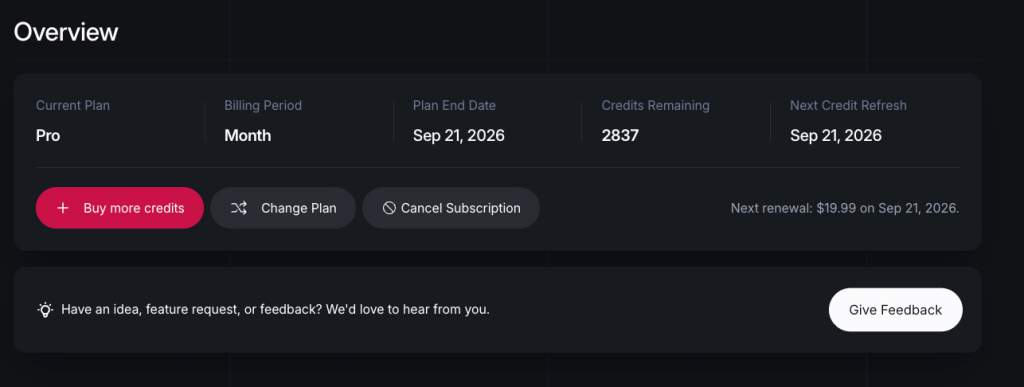
Inside your Overview page, just below your current subscription summary, you’ll find a feedback form where you can report bugs, suggest improvements, or simply tell us what you think about the new Slooply.
We read every single message.
In fact, many of the features included in this update exist because of suggestions we’ve received from the community over the years.
Thank you to everyone who has supported Slooply-whether you’ve been with us from the beginning or joined only recently.
We hope the new Slooply helps you spend less time searching for sounds and more time doing what matters most:
Making music.
And we’re only getting started.