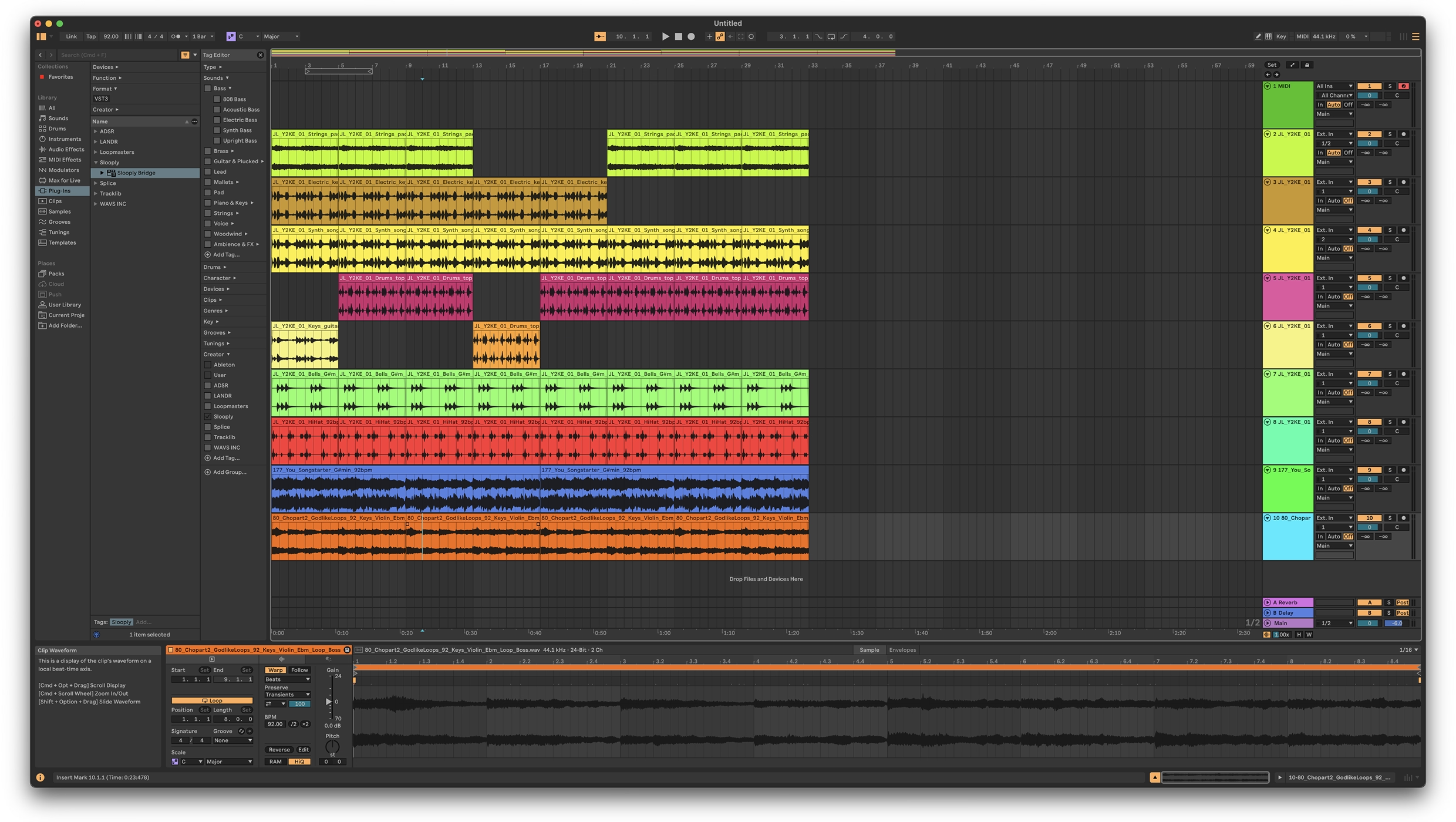

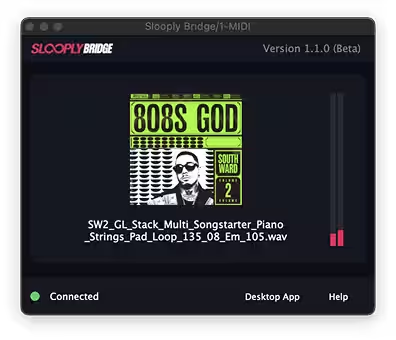
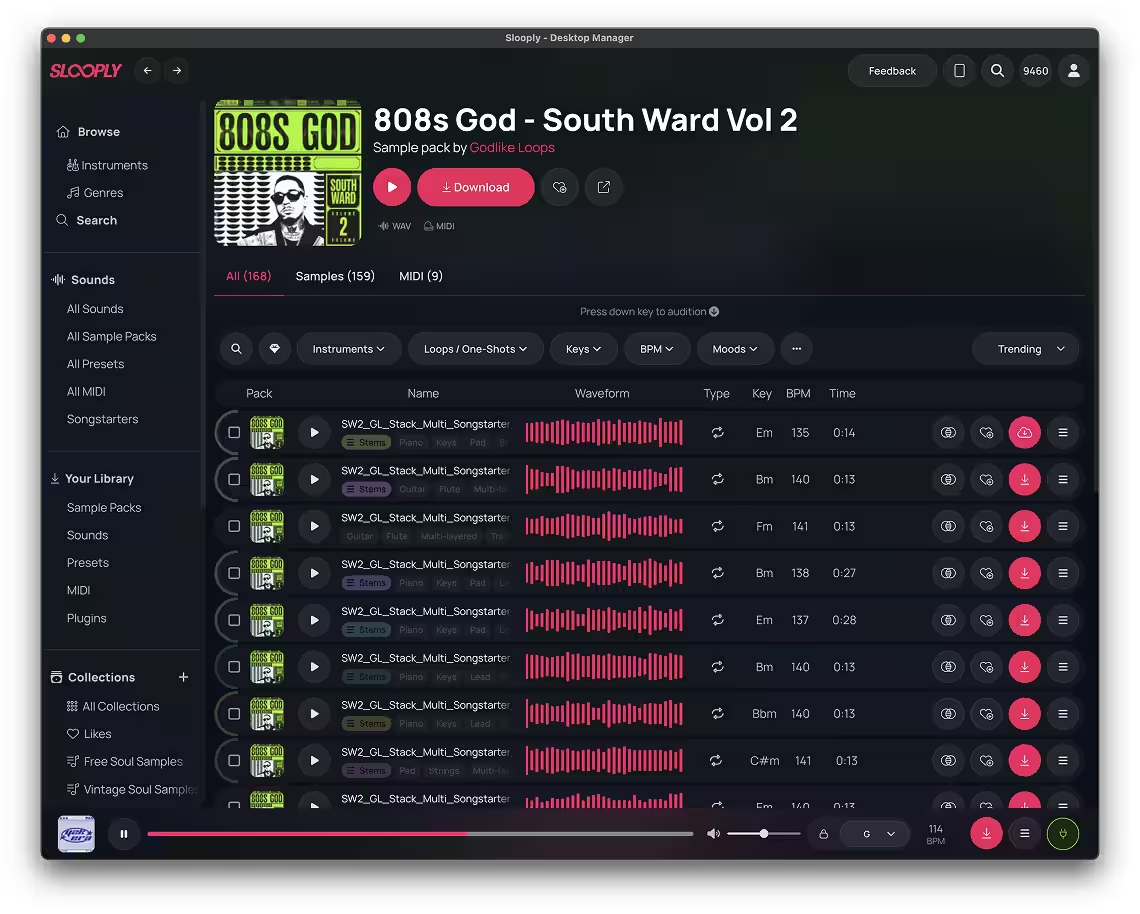
Slooply Desktop App + Bridge VST
Bring your Slooply sounds closer than ever.
Instantly preview, sync, and drag samples into your DAW
—
all from your desktop.
Playhead Sync
Hit play in your DAW and hear samples perfectly in sync
Tempo Sync
Preview samples instantly in the exact key your track needs
Transpose Key
Preview samples instantly in your track’s key
Drag-n-Drop
Drag and drop samples straight from the app into your DAW
The Slooply Desktop App simplifies your production workflow by keeping your Slooply samples right where you create music. Browse and audition sounds instantly, then drag and drop them directly into your DAW for a smooth, uninterrupted creative process.
Simply download the app using the links at the top of this page. If you’re already a Slooply subscriber, log in and start using the app right away. New to Slooply? Create an account and begin a trial to unlock access.
Yes. The Desktop App connects with your DAW through the included Bridge VST plugin, which provides real-time key and tempo sync. You can also drag and drop samples directly into your DAW from the app.
The app requires Windows 10 or later, or macOS 12 or newer.