



FL Studio is such a deep and feature-rich DAW that you can use it for years and still stumble upon game-changing features you never knew were there. If you’ve ever found yourself meticulously switching between different piano roll windows to make sure your melodies and chords line up, this hidden trick is about to save you a massive amount of time.
This feature revolves around “ghost notes”- the semi-transparent notes from other instruments in your pattern that appear in the background of your current piano roll. They’re a fantastic guide, but what if you could do more than just look at them?
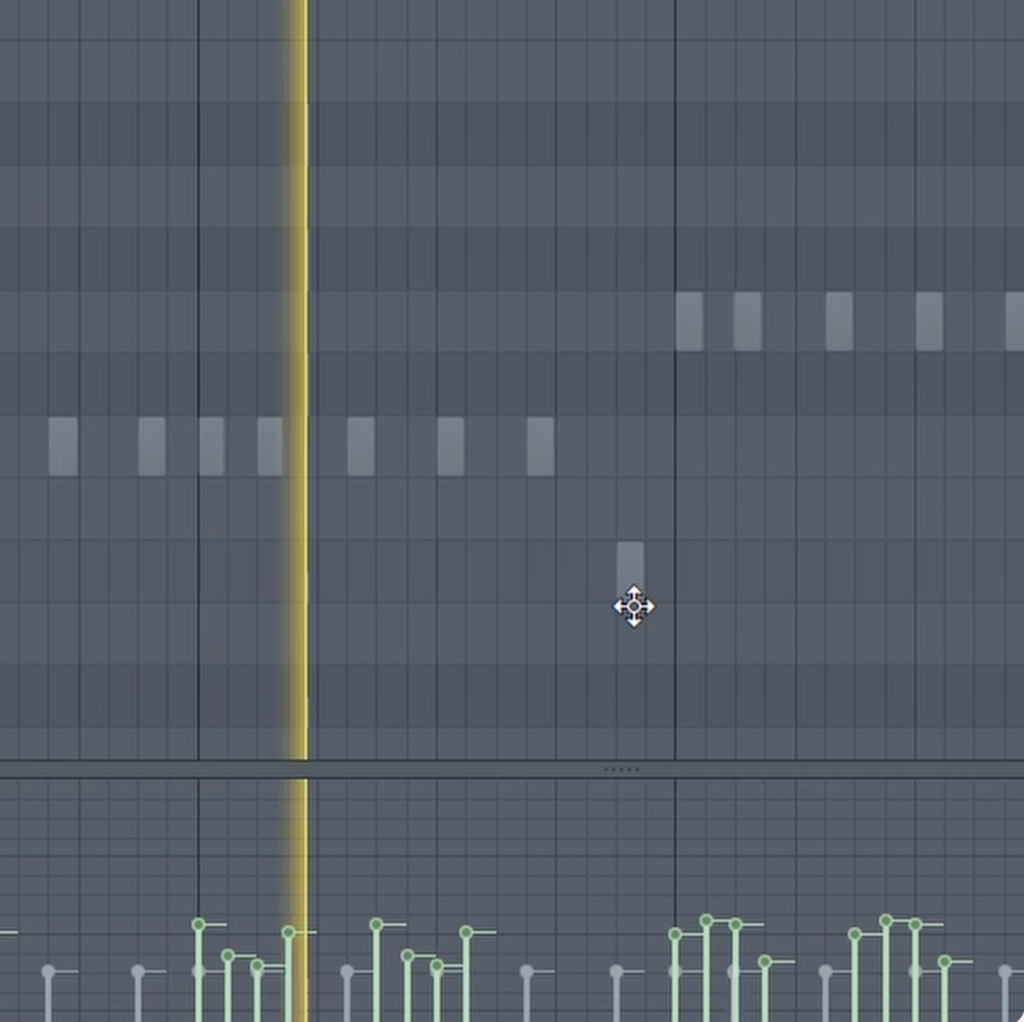
The Hidden Shortcut to Edit Ghost Notes
Typically, ghost notes are just a visual reference. You can’t click, move, or edit them. To make a change, you have to leave your current piano roll, find the channel with the ghost notes, open its piano roll, and then make your edits. It’s a workflow that can quickly kill a creative spark.
But there’s a hidden feature that changes everything.
With your piano roll open, simply press the keyboard shortcut: Alt + Ctrl + V
Instantly, all the ghost notes in your current view will become fully editable, just as if they were native to that piano roll. You can move them, resize them, and delete them without ever leaving the window you’re in. This allows you to make adjustments to your chords, basslines, and counter-melodies on the fly, creating a much more fluid and intuitive songwriting experience.
Why This is a Game-Changer
- Speed Up Your Workflow: Stop wasting time navigating between different windows. Make harmonic and rhythmic adjustments to any part of your pattern from a single screen.
- Write Better Harmonies: Easily see and edit your bassline to perfectly follow the root notes of your chords, or craft a counter-melody that weaves perfectly between the notes of your main lead.
- Create Tighter Music: This feature makes it incredibly easy to ensure different melodic and harmonic elements are perfectly in sync, leading to more professional and cohesive compositions.
Looking for Melodic Inspiration?
Now that you have this powerful compositional tool at your fingertips, you might be looking for some new melodic ideas to work with. If you’re searching for royalty-free MIDI files to jumpstart your next track, you can find thousands of them on Slooply.com, and you can even try it for free.
To see this incredible time-saving feature in action, you have to watch the full video!