


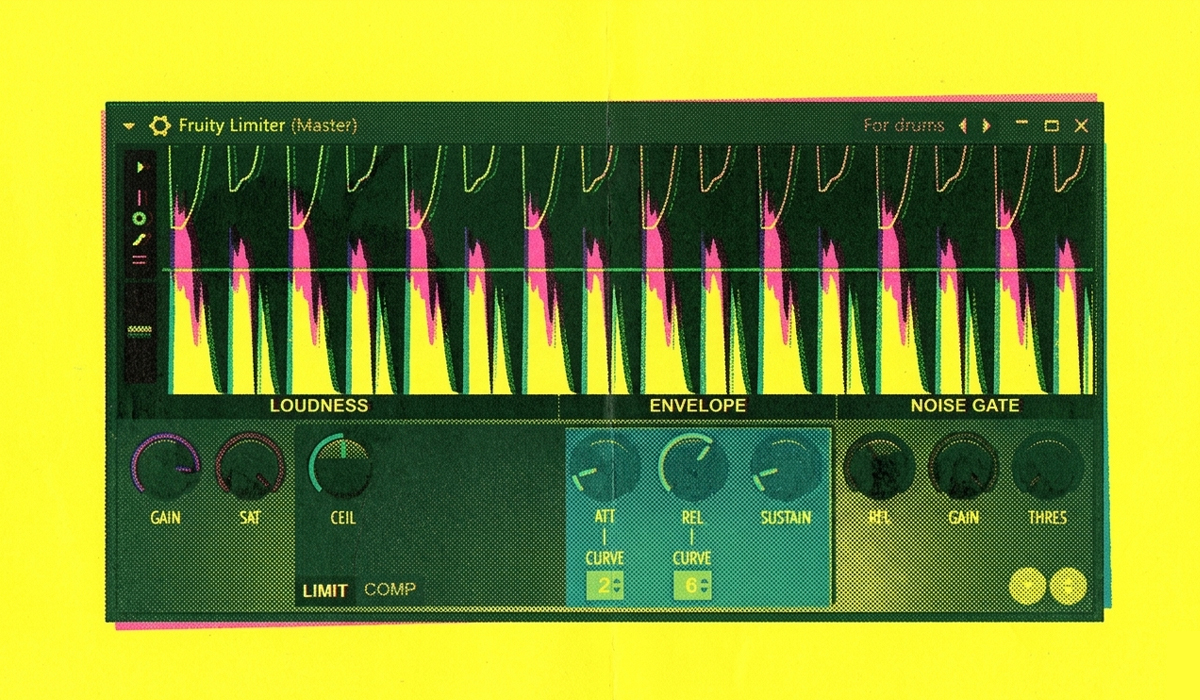

Sidechain compression is the essential technique behind the driving, rhythmic pulse of modern music. It’s the secret to making your kick drum punch through the mix and your bassline groove in perfect sync. While there are many ways to achieve this effect, the most powerful, flexible, and native method in FL Studio uses a tool you might not expect: the Fruity Limiter.
This is the only sidechain method you’ll ever need, giving you precise control and a professional sound every time.
The Foundation: Kick and Bass Relationship
The goal of sidechaining is to momentarily lower the volume of one element (like the bass) every time another element (the kick) hits. This carves out space in the low-end frequencies, preventing your kick and bass from clashing and creating that signature “pumping” sound.
Step 1: Routing Your Kick as the Trigger
First, you need to tell FL Studio that you want the kick to control the bass.
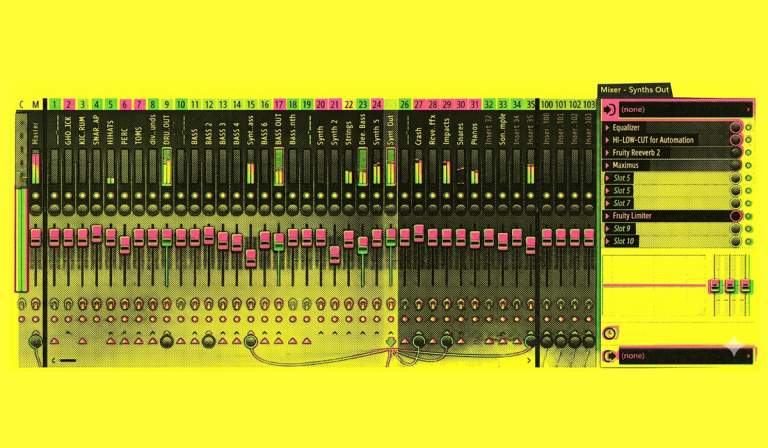
- Select your Kick channel in the mixer.
- Now, select your Bass channel.
- At the bottom of the Kick channel, you’ll see a small upward-pointing arrow. Right-click this arrow and choose “Sidechain to this track.”
You’ve now created a silent audio send from the kick to the bass channel, which will act as our trigger.
Step 2: Setting Up the Fruity Limiter as a Compressor
This is where the magic happens. We’ll use the Fruity Limiter not as a limiter, but as a powerful compressor.
- On your Bass channel, add an instance of the Fruity Limiter plugin.
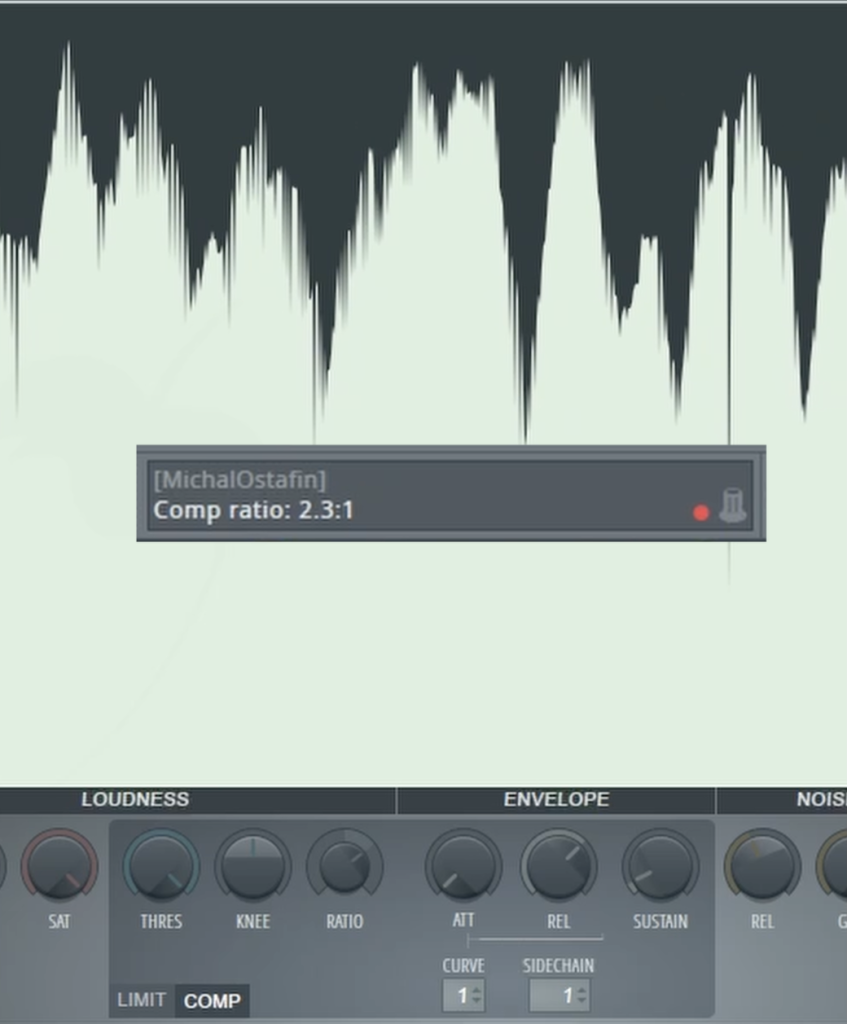
- At the bottom of the plugin, switch the mode from “LIMIT” to “COMP” (Compressor).
- In the compressor section, right-click on the “SIDECHAIN” input box and select “1”. This tells the compressor to listen to the kick drum signal you routed earlier.
- Adjust the compressor settings to create the pumping effect:
- Ratio: Increase the ratio to control how strongly the compression kicks in. A setting around 2.5:1 is a great starting point.
- Threshold: Lower the threshold knob. As you bring it down, you’ll hear the sidechain effect become more pronounced. Dial it in until you get the perfect amount of pump for your track.
This method gives you a clean, precise, and easily adjustable sidechain that is fundamental to modern electronic and pop music production.
To see a clear, step-by-step visual guide on how to set up this essential sidechain technique in FL Studio, be sure to watch the full video!