



The classic “tape stop” or vinyl-slowing-down effect is a staple in modern music production, perfect for creating dramatic transitions, build-ups, and stylistic flourishes. For years, the go-to method for creating this sound involved complex and often messy tempo automation, which can wreak havoc on your entire project’s timing.
But there’s a much better, faster, and cleaner way to get that perfect slow-down effect using a native FL Studio plugin. Seriously, you can skip tempo automation for good.
Forget Tempo Automation, Use Frequency Shifter Instead
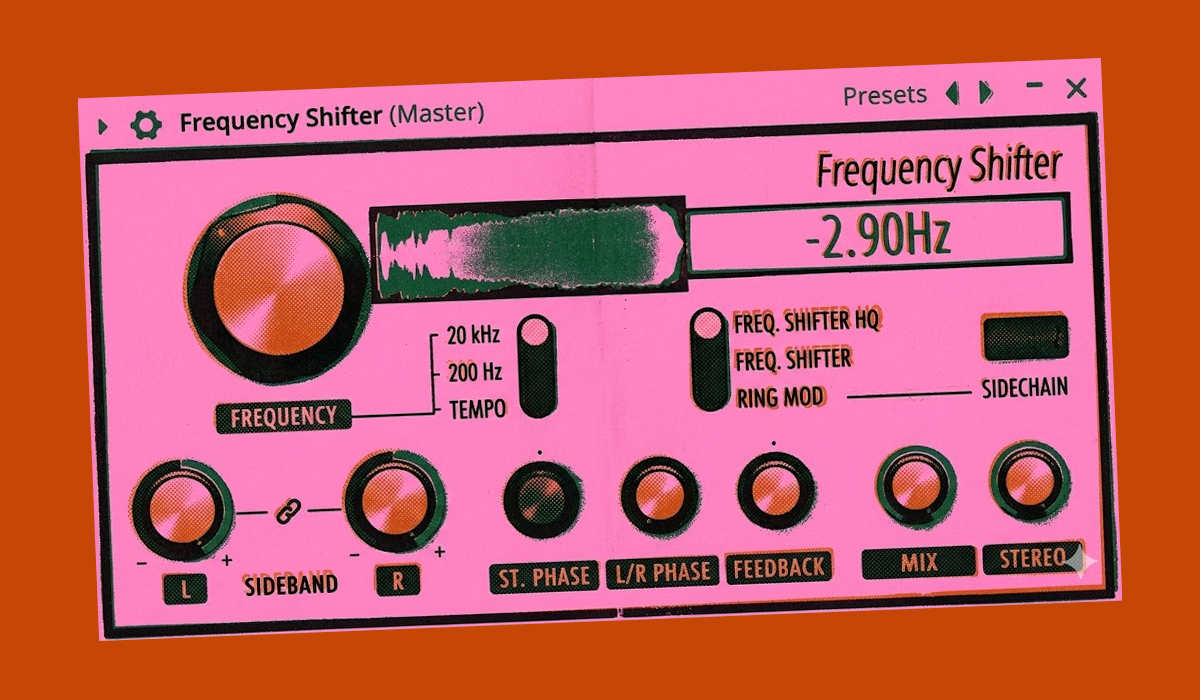
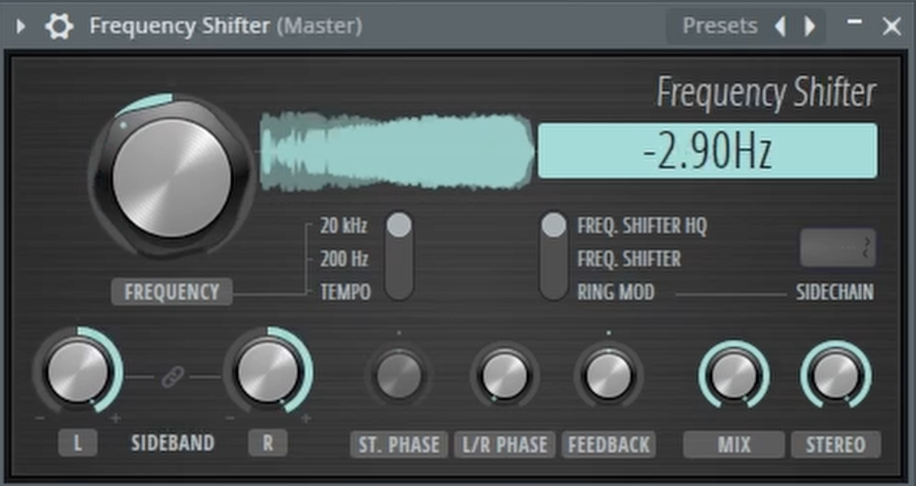
The secret to a perfect, hassle-free tape stop effect is the Frequency Shifter plugin. This powerful tool is designed to shift the pitch of your audio up or down, and by automating its main parameter, you can create a smooth and convincing slow-down effect in seconds, without ever touching your project’s tempo.
How to Create the Tape Stop Effect
This technique is incredibly simple and can be applied to your master track for a full-song effect or on an individual instrument or bus for more targeted use.
- Drop in a Frequency Shifter: Load an instance of the “Frequency Shifter” plugin onto the mixer track you want to affect.
- Set the Range to 20 kHz: This is a crucial but often missed step. On the Frequency Shifter interface, click the button labeled “20 kHz”. This sets the maximum range of the shifter, allowing you to pitch the audio all the way down to a complete stop.
- Create an Automation Clip: Right-click on the large “FREQUENCY” knob and select “Create automation clip.”
- Draw Your Curve: Go to the playlist and find your new automation clip. Simply draw a downward slope where you want the tape stop effect to occur. A steep curve will create a fast, abrupt stop, while a more gradual curve will result in a slower, more drawn-out effect.
That’s it! By automating the frequency knob from its default position down to the bottom, you are effectively pitching the audio down to zero, perfectly mimicking the sound of a turntable or tape machine grinding to a halt.
This method is not only faster and cleaner than tempo automation, but it also gives you more creative control, allowing you to easily apply the effect anywhere in your arrangement.
To see this simple and effective tape stop trick in action, be sure to watch the full video!