



Creating a wide, deep, and clear mix is a hallmark of professional production. One of the most powerful techniques for achieving this is mid/side processing, which allows you to treat the center (mid) and stereo (side) parts of your audio signal independently. While this might sound complex, FL Studio has an incredibly powerful, all-in-one tool that makes it surprisingly simple—and it’s probably already in your plugin list.
This trick revolves around a hidden preset within the versatile Patcher plugin, giving you a complete toolkit for mastering your stereo image.
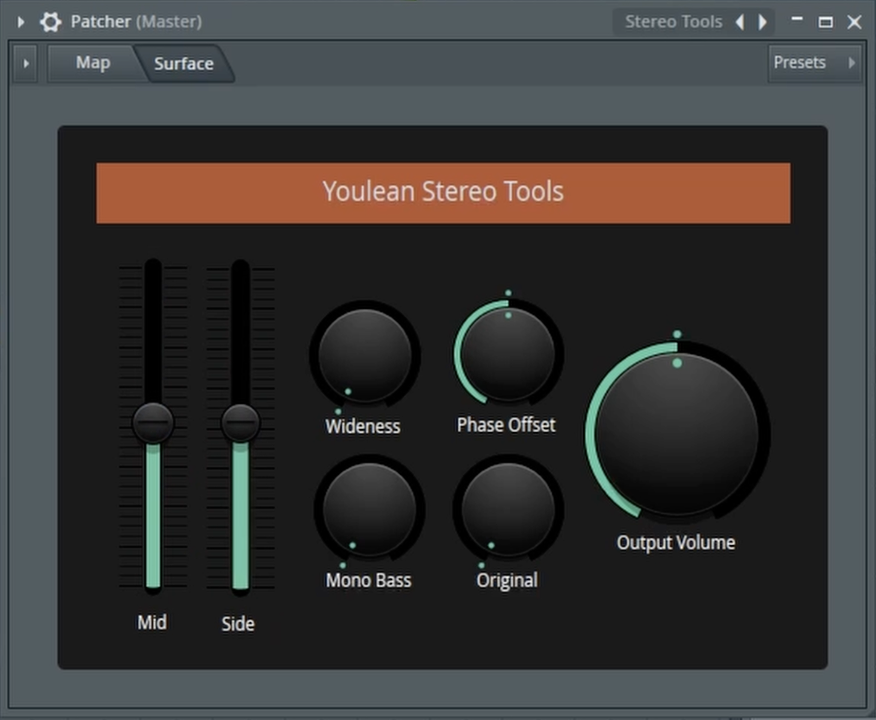
Your All-in-One Mid/Side Toolkit: The ‘Stereo Tools’ Preset
The secret to easy mid/side control lies within a pre-built Patcher preset that many users don’t even know exists. It combines multiple plugins and macros into one easy-to-use interface, saving you the hassle of complex routing.
Here’s how to find and use this hidden gem:
- Open the Mixer and Add Patcher: On any mixer track you want to process, open an effect slot and load an instance of the Patcher plugin.
- Load the ‘Stereo Tools’ Preset: Click the preset menu in Patcher and navigate to the folder labeled “X Youlean.” Inside, you’ll find a preset called “Stereo Tools.” Load it up.
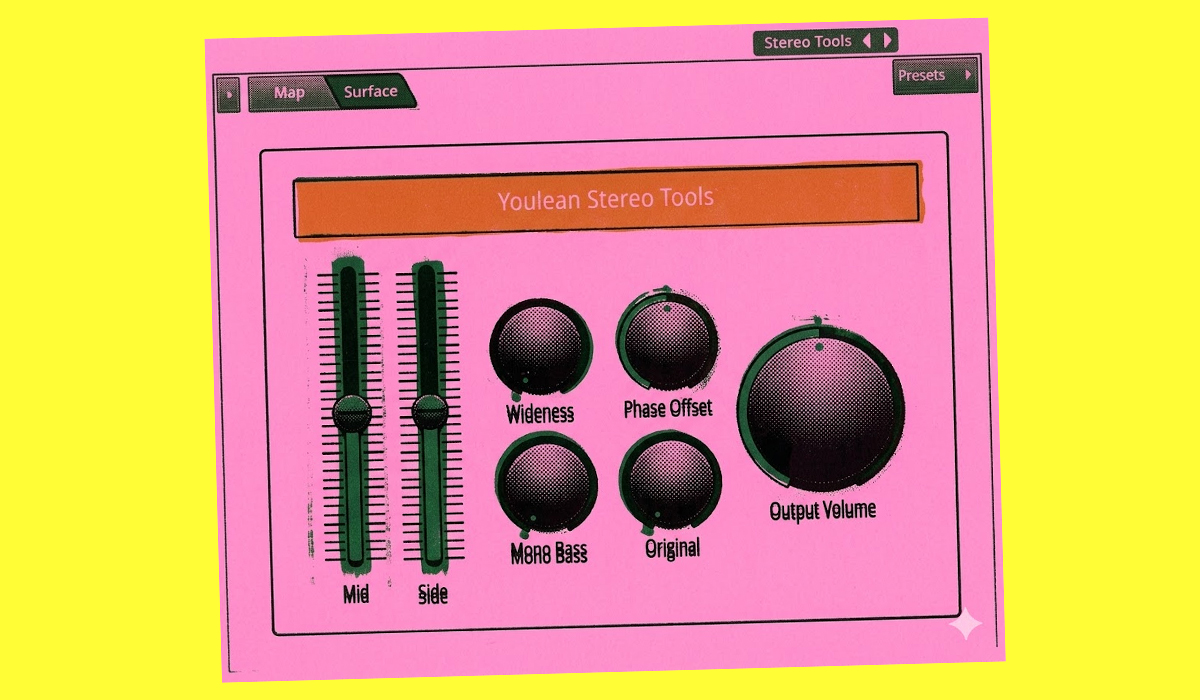
- Master Your Stereo Image: You will now be presented with a clean, simple interface with several powerful controls:
- Mid/Side Sliders: These sliders give you independent volume control over the center (Mid) and wide (Side) elements of your sound. Want to make your pads wider? Turn down the Mid and turn up the Side. Need to focus a bassline? Do the opposite.
- Wideness Knob: This is a quick and effective way to increase or decrease the overall perceived stereo width of your sound.
- Mono Bass Knob: This is a crucial mixing tool. It collapses the low frequencies of your signal into mono below a certain point, ensuring your bass is solid, centered, and translates well on all playback systems.
This single Patcher preset is a complete solution for managing the stereo field of any track, from individual instruments to your master bus. It’s a fast, intuitive, and powerful way to add clarity, width, and professional polish to your mixes.
To see this powerful Patcher preset in action and how to use its controls, be sure to watch the full video!